Paste any message link
Name, size and real file type appear by themselves. Rename it, pick a folder, tap Start.
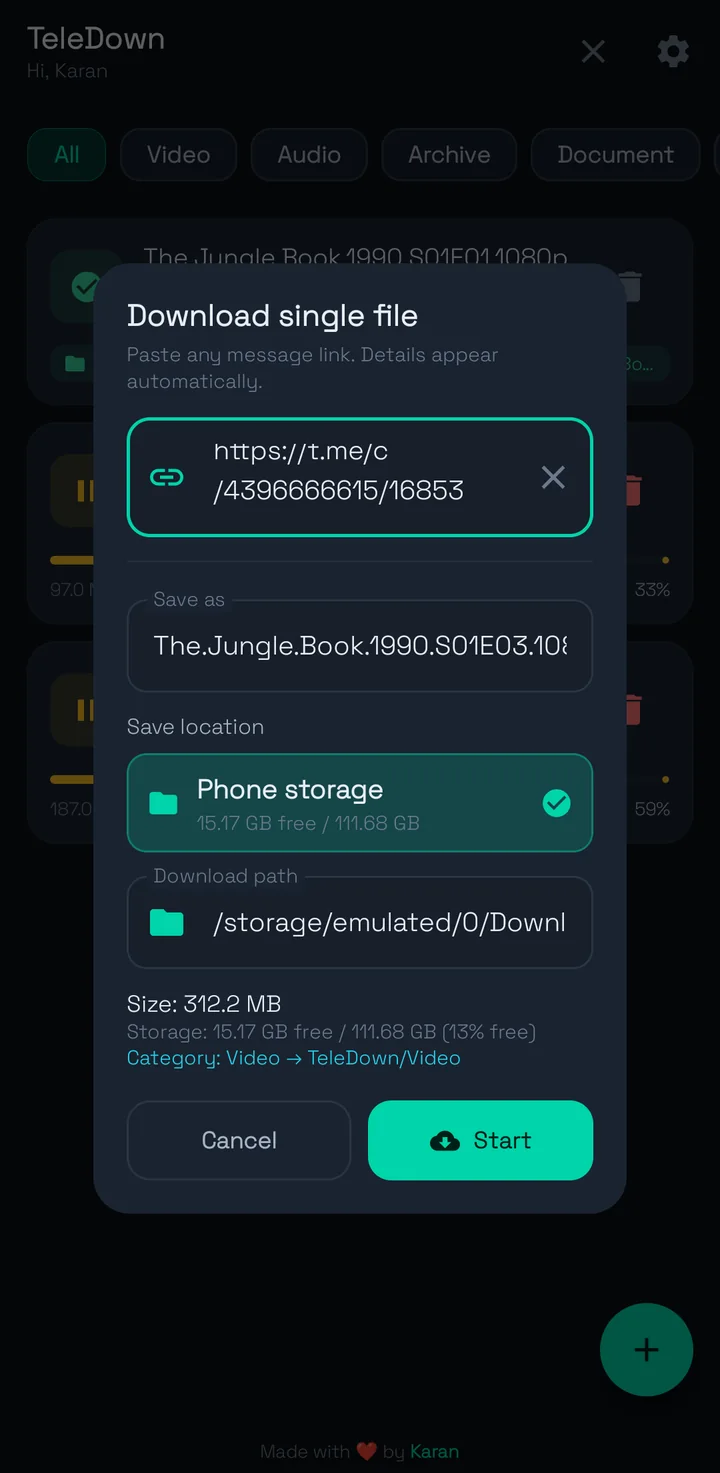
Paste a t.me link. TeleDown grabs the file at full speed, merges split parts and sorts everything into folders.
Channels, groups, forum topics, users and bots. If your account can see the message, TeleDown can save the file.
Name, size and real file type appear by themselves. Rename it, pick a folder, tap Start.
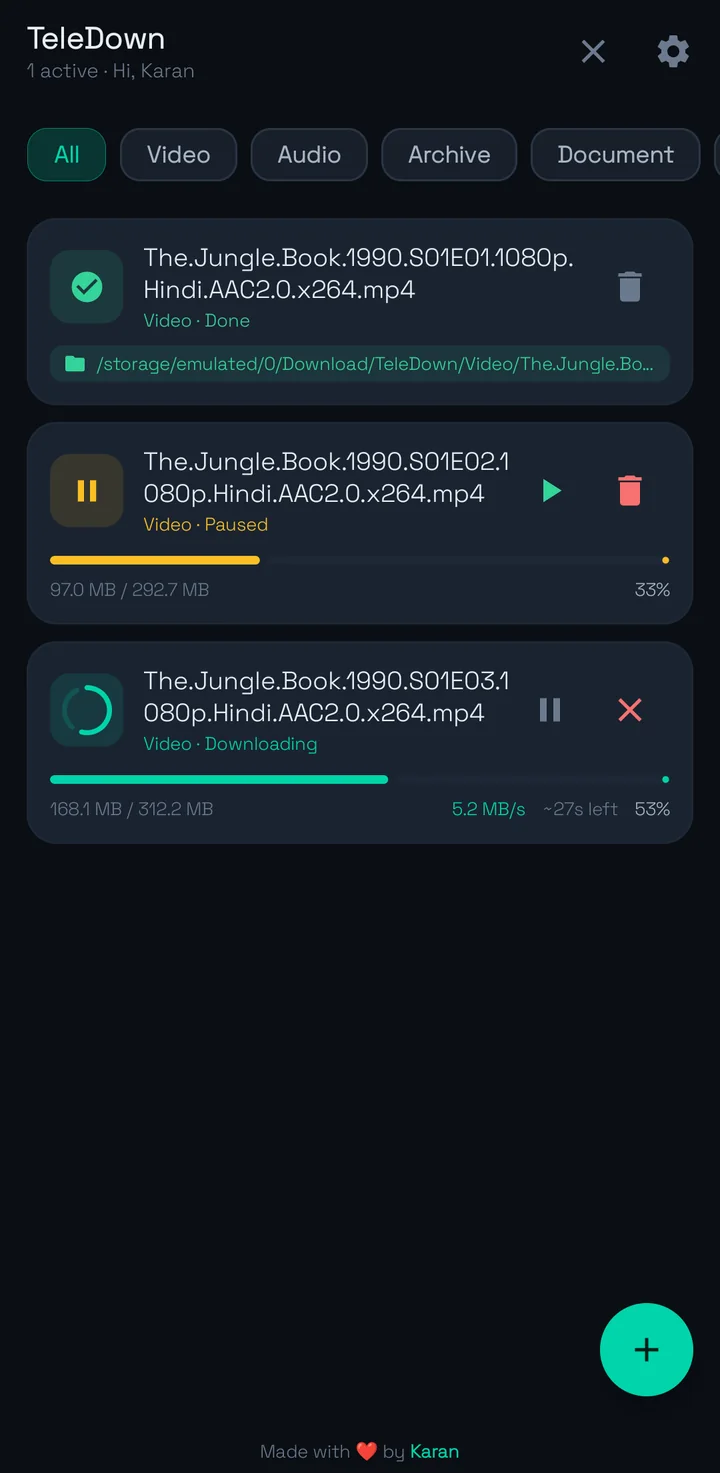
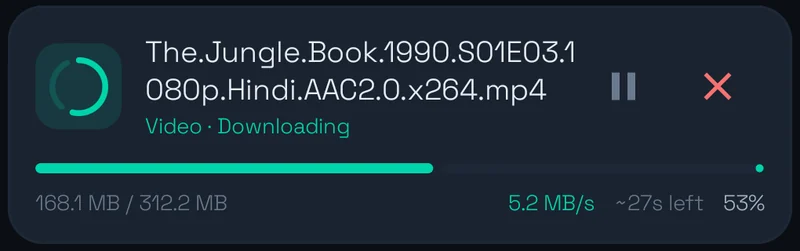
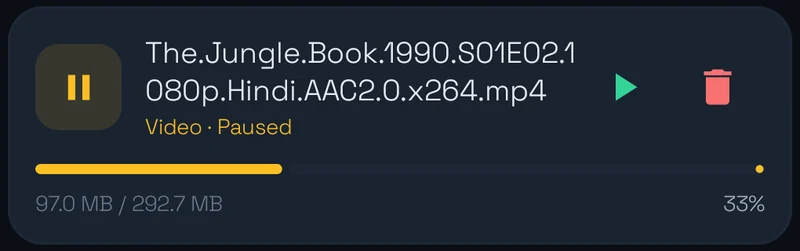
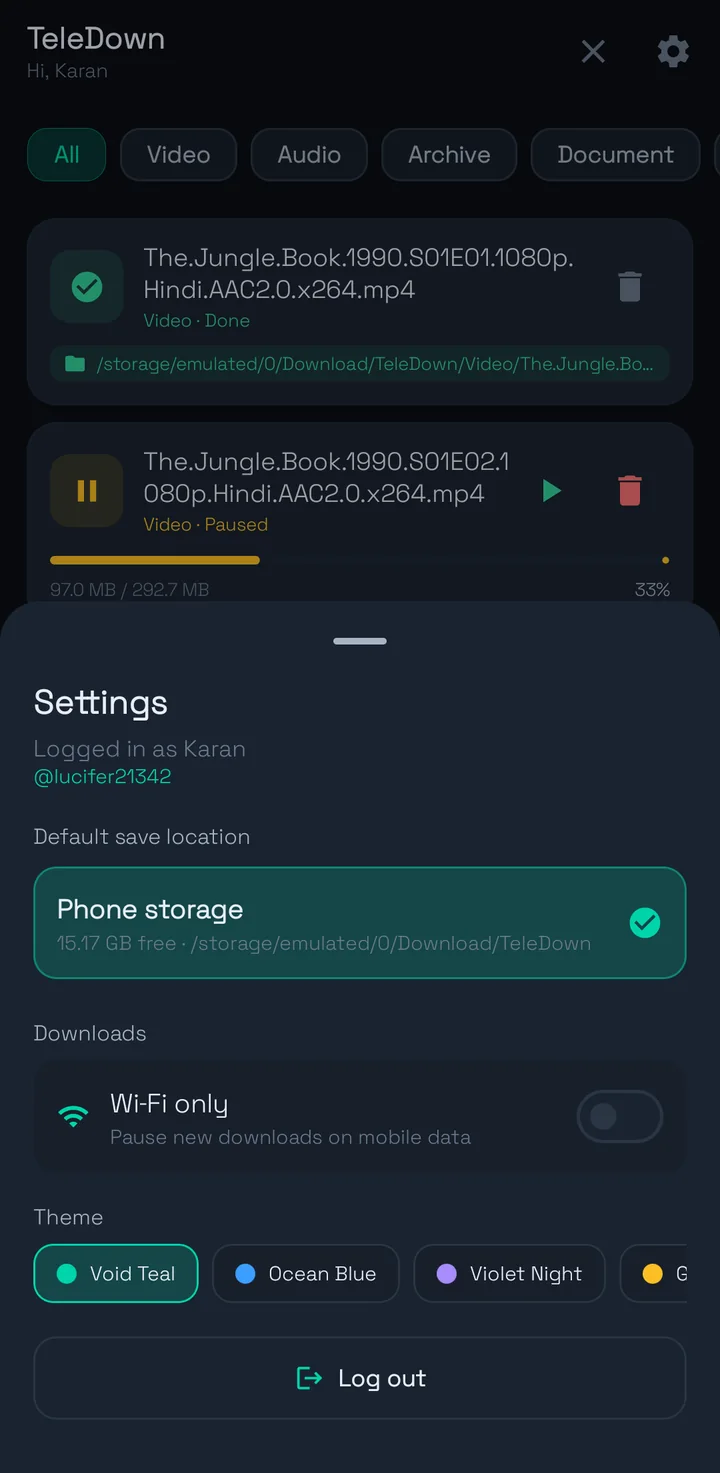
Resume picks up at the exact byte. Live speed and time left on every row.
Video, Audio, Archive, Document. Filter the list in one tap.

Hold new downloads until you are off mobile data.

See free space before you start. Finished files show up in Gallery and Files right away.
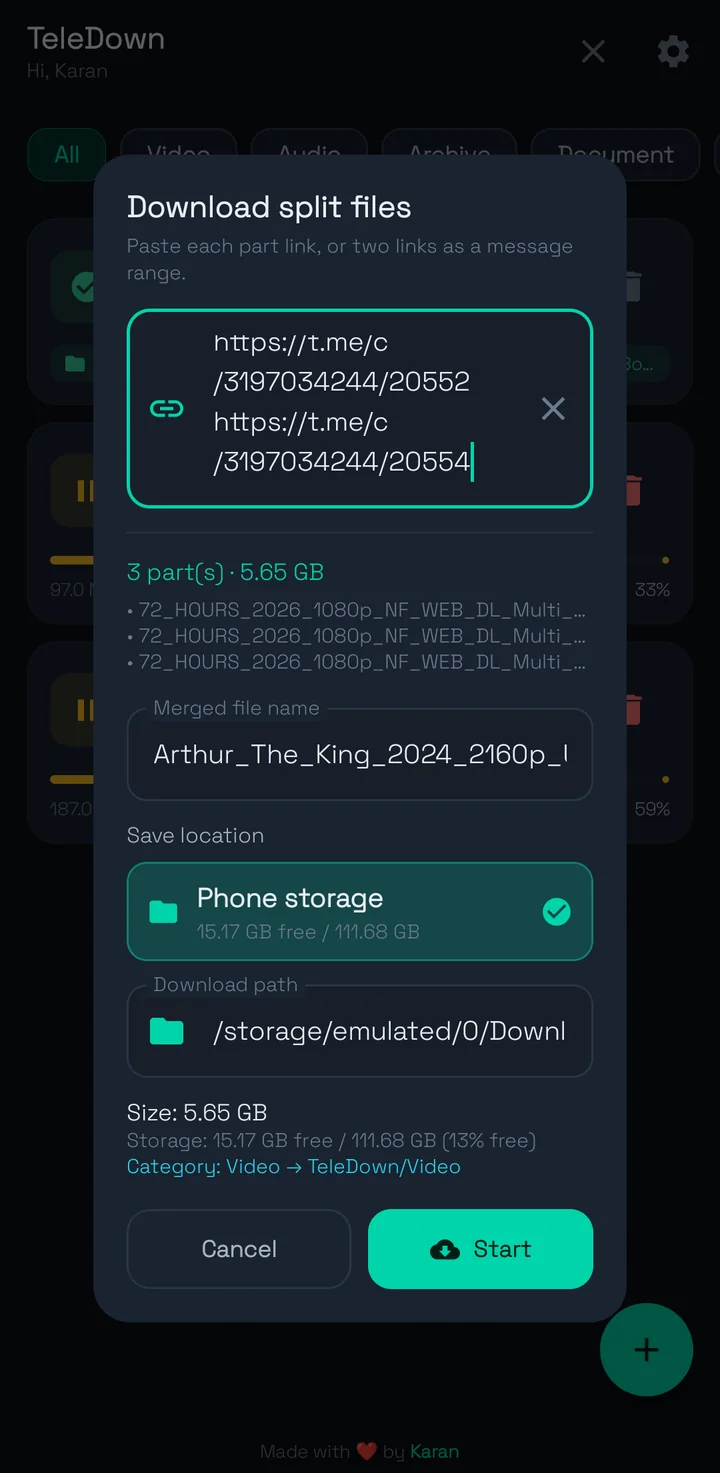
Split files
Give TeleDown the first and last message of a range. It finds every part, downloads them side by side and stitches one playable file.
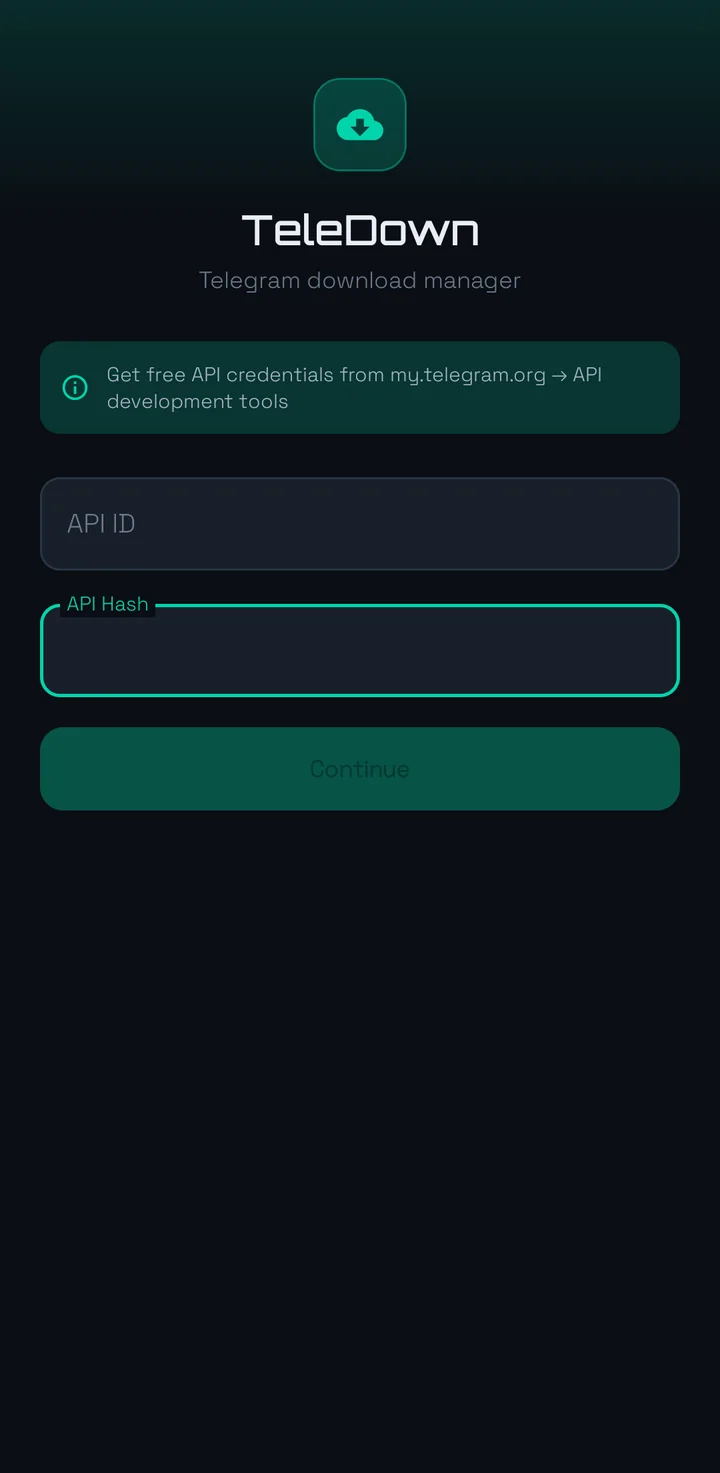
Free from my.telegram.org under API development tools. Takes two minutes.
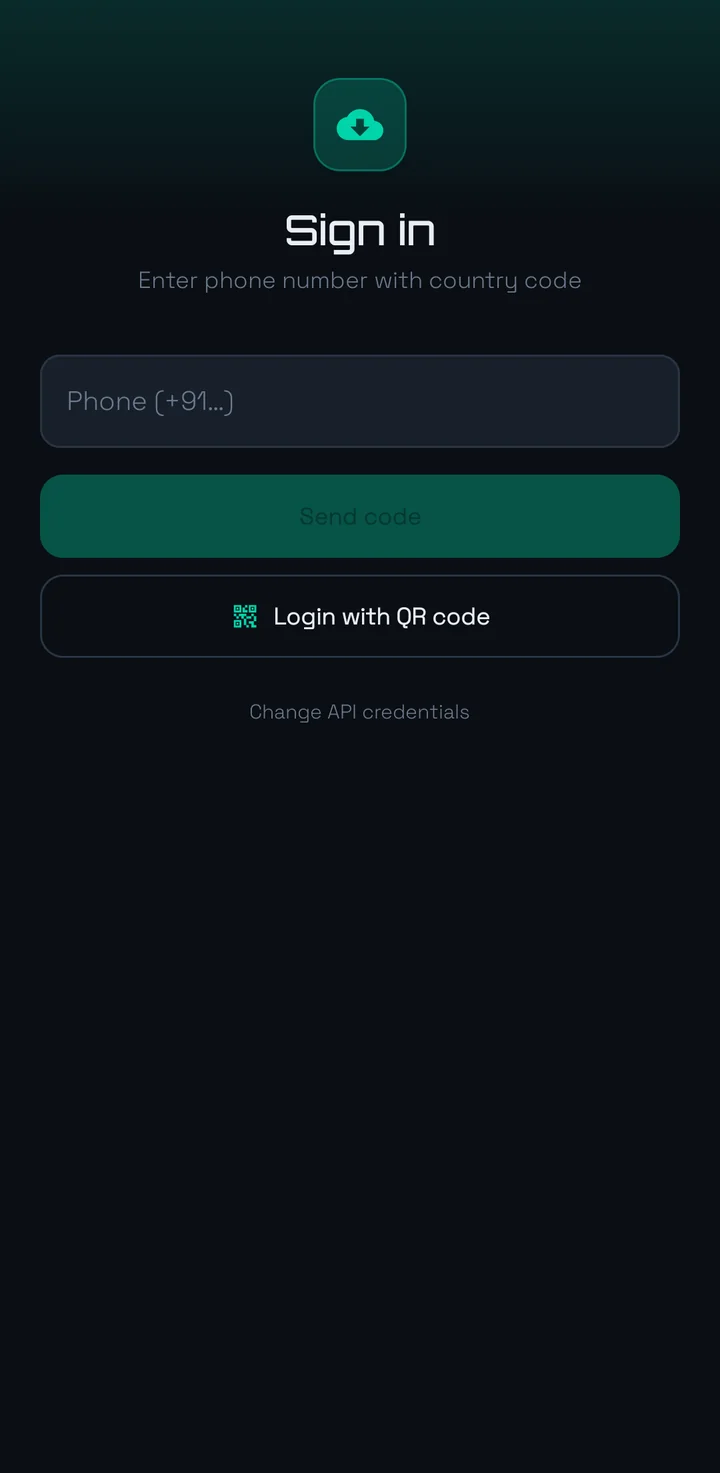
Phone number and code, or scan a QR from Telegram on another device.
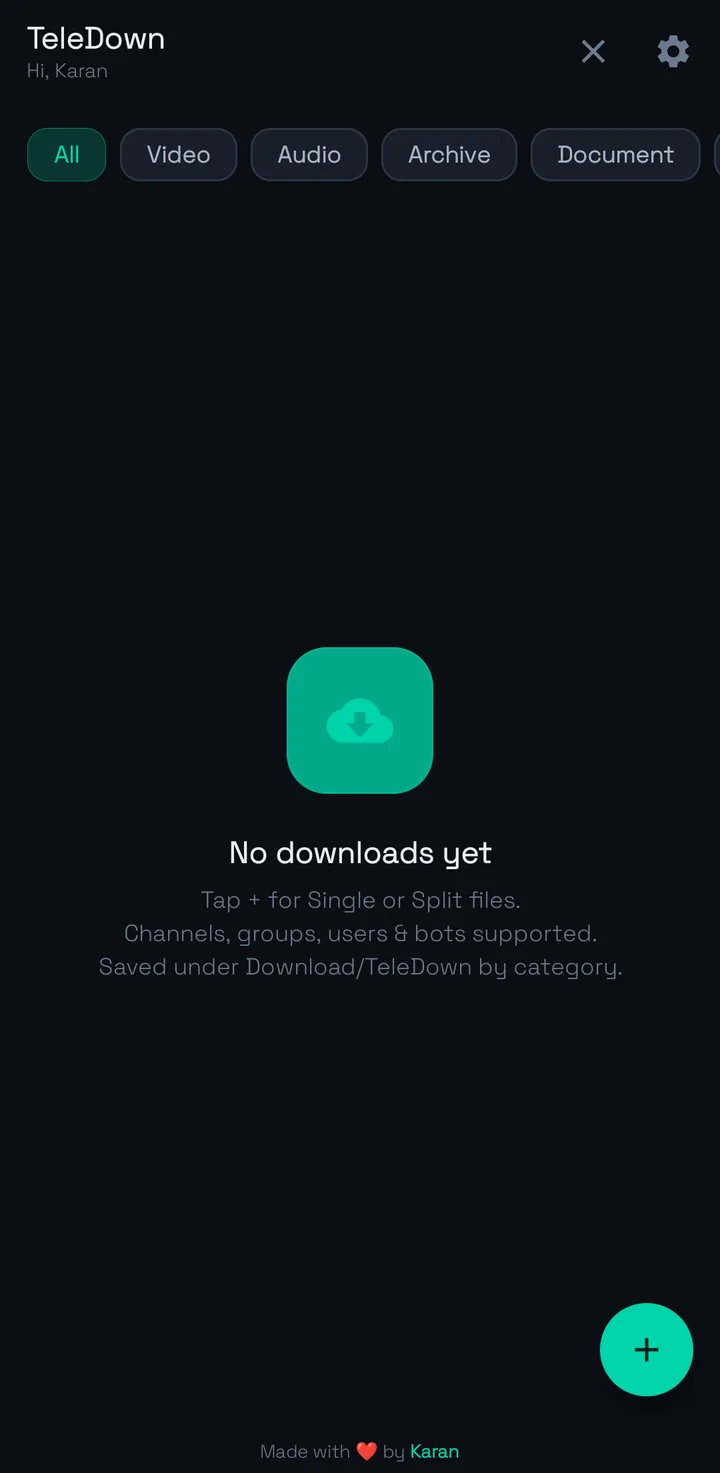
Choose single or split, paste the link, hit Start. That is the whole routine.
Version 1.1 ships four color themes on a true dark base. Try them on this page.
Plus one more inside the app.
Your TDLib session lives on the device. No cloud login storage.
Downloads go only to the storage you choose.
Traffic flows between your phone and Telegram servers.
No proxy, no download mirror, no middle server.
Something else? Check the release notes.
No. TeleDown is an unofficial downloader built on TDLib. It uses your own API credentials from my.telegram.org.
Telegram requires them for every third-party client. They are free to create and never leave your device.
Yes, as long as the account you signed in with can open that chat. Join the channel or group first.
Telegram shortens very long names. TeleDown reads the file header and restores the right extension, like .mkv or .zip, after merging.
Yes. Resume continues from the last downloaded byte while the partial file is still there.
arm64-v8a fits almost every phone from the last few years. Older 32-bit phones need armeabi-v7a. Not sure? Take universal.
By default under Download/TeleDown/<Category>/. You can change the folder and choose phone storage or SD card.
Install, sign in once and start pasting links.
Most phones: arm64-v8a. Unsure: universal.